
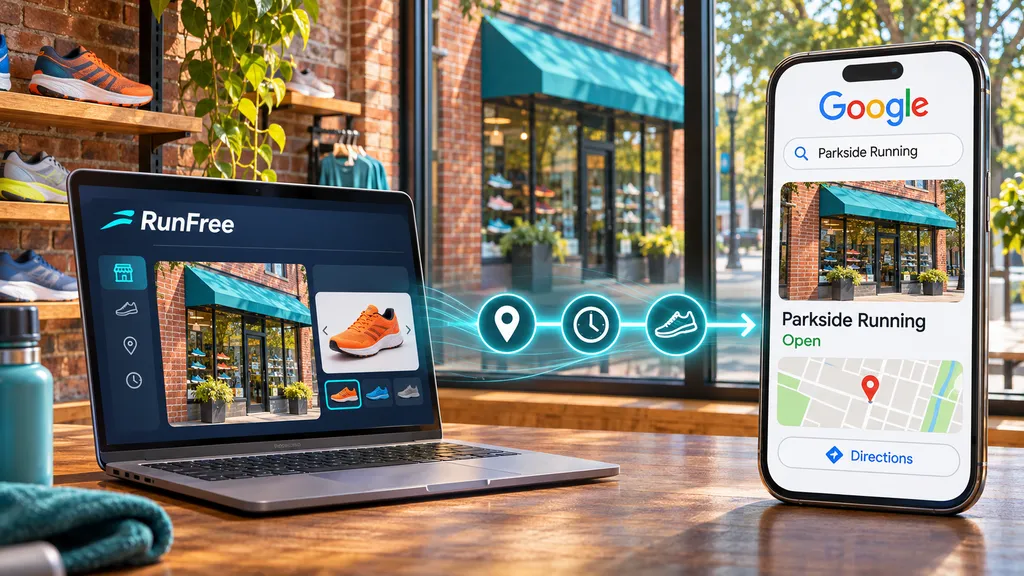
Local SEO for Running Stores Starts With Your Google Business Profile
Help nearby runners find your shop, recognize your front door, and know what to expect from a fitting before they visit.
It’s 5:15 on a Thursday. A runner needs a new pair of shoes before Saturday’s long run and searches Google for “running store near me.” Your shop is ten minutes away. Google says you close at six, your website says seven, and the first photo shows the sign you replaced two years ago. Does she have time for a fitting? She can call and ask, but the next store on the map has already answered her question.
That’s the practical side of local SEO. Getting your store into the search results is only part of the job. Your Google Business Profile helps a runner decide whether to tap for directions. Your Run Free website gives them room to explore your products, understand your services, and plan a visit. Here’s how to make the two work together.
Give each location its own front door online
Start with the details someone would need to reach your store today. Use the business name on your sign, include your suite number, and list a phone number that reaches the people working at that location. Check your regular and holiday hours against the hours on your website.
If you have more than one store, link each Google profile to its own location page on your Run Free site. A runner who finds your downtown shop on Maps should land on a page with the downtown address, hours, parking information, and fitting options. Sending them to a general homepage makes them look up the location they already chose.
Describe what happens when a runner walks in
Choose the most specific primary category that accurately describes your business. For a run specialty shop, Running store is a natural starting point. Then use your description to explain what makes a visit worthwhile. If you fit first-time runners, carry wide widths, or host a weekly group run, say so in the words your staff would use at the counter.
Photos can answer questions that a description can’t. Take one from across the street with your sign and entrance visible. Add another of the fitting area so a new runner can picture the experience. If you offer appointments, give customers a direct booking link where available. If you welcome walk-ins, make that clear on your location page. Either detail can settle the question that’s keeping someone from coming in.
Put useful store information in front of Google
Your Run Free storefront already holds product photos, descriptions, and links to items shoppers can buy. Its Google Merchant Center feed gives you a way to share catalog data with Google. Your Business Profile has a different job: it’s where you maintain the hours, contact details, photos, and updates people see when they look up your store. When you change your Sunday hours, update both your profile and your website.
For the products you choose to feature on your profile, think about what tells a customer something distinctive about your shop. A store-branded singlet or a gift card can be a better introduction than another manufacturer’s shoe photo. Link to the relevant RunFree product page so the shopper can act on what caught their eye.
The same approach works for events. If you’ve already written an announcement for a trail shoe demo on your website or in your store app, adapt it into a Google update. Include the date, the location, and a link to the event details. Someone discovering your store for the first time then has a reason to visit on a particular day.
Let customers answer the question a star rating can’t
For someone buying their first pair of running shoes, a review that says “they let me try three widths and explained the difference” answers a bigger question than the rating alone: Will I feel comfortable asking for help here?
Make it easy for customers to leave an honest review by sharing your Google review link in a follow