
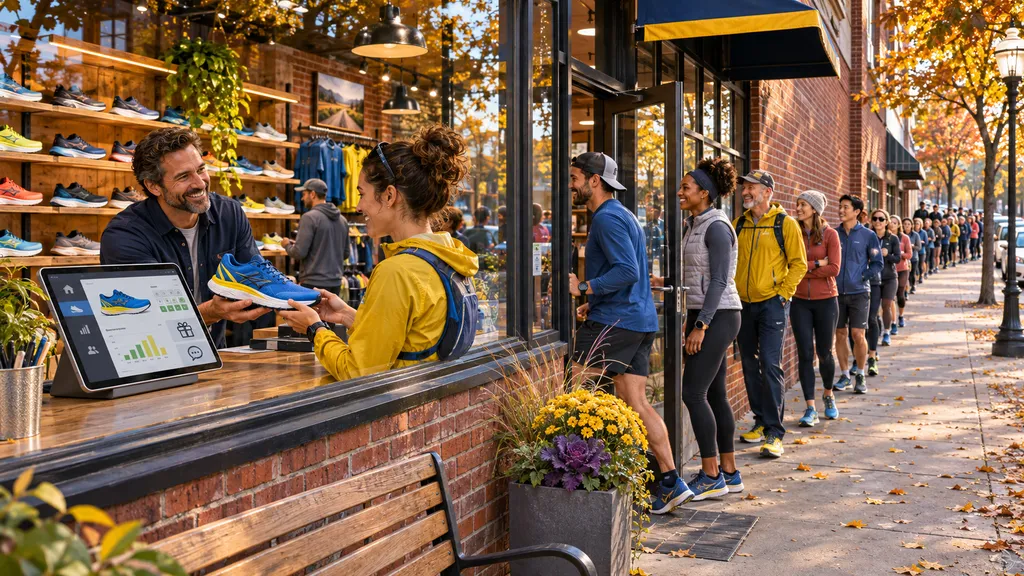
When a runner searches your site for “Hoka Clifton,” they usually have two questions. Do you carry it, and do you have my size? Over the past three months, we’ve made those questions easier to answer. We’ve also improved the work that happens behind the counter, from checking stock at a second location to figuring out when a sale price changed.
Help runners find the right shoe in their size
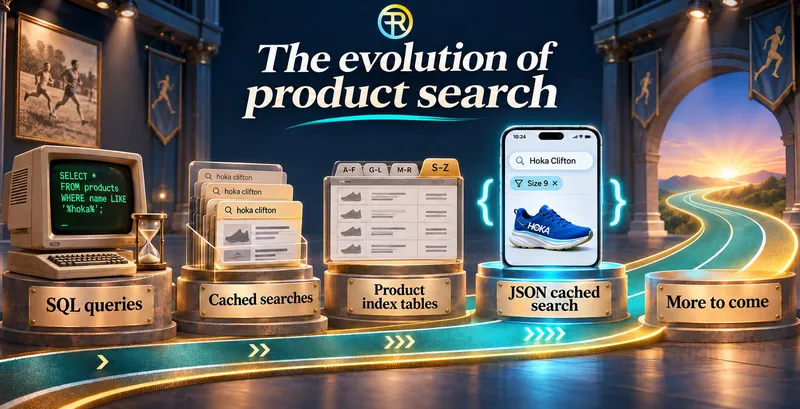
Shoppers can now search by brand and product name together. A search for “Hoka Clifton” brings up the shoe they’re looking for, and a fix to the size filter helps them narrow the results to their size. After a catalog update, you can refresh storefront search yourself, up to once an hour.
Storefront pages also load faster for visitors who haven’t signed in. Collection pages load images as shoppers scroll, and product galleries hold their place as photos appear. That means a runner browsing on a phone can start looking through a collection sooner and keep their place when they open a shoe to see the next color.
Spend less time writing product pages
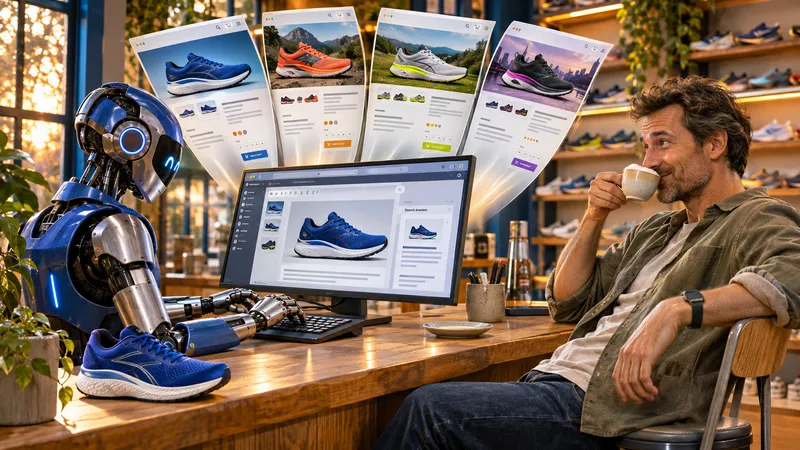
There’s a new AI writing button in the product editor. It researches the product, shows its sources, and drafts short and long descriptions along with the page’s SEO fields. You can give it a brief if there’s something you want to emphasize, then review and edit the copy before saving.
You can also set SEO titles, descriptions, and tags to update automatically. We’ve improved how search engines read product and page details, corrected which URL is identified as the main version of a page, and fixed the images that appear when someone shares a link. Google Search Console data now connects to Run Free as well.
A faster storefront, from Google search to the shoe wall

A runner who finds your store on Google should be able to open a collection, spot their shoe, and swipe through the colors without losing their place. This year, we made each step faster. Run Free caches storefront pages for visitors who haven’t signed in and reuses homepage sections during busy stretches. Collection photos use smaller files and load as shoppers scroll. Product galleries reserve space for each image, so the page stays steady as photos appear. Even the small things count. Store logos are sized automatically, and shoppers can start browsing while icons load.
We also made it easier for search engines to understand what you sell. Run Free now includes structured product and page information as soon as a page loads, identifies the preferred URL when the same item appears in multiple places, and gives search engines clearer instructions about which pages to crawl. You can keep SEO titles and descriptions up to date automatically as your catalog changes. When someone shares a product on social media, the link preview now shows the correct image.
Put an entire collection on sale and see what changed
If a sale covers several pages of products, one bulk price change now reaches every matching item across those pages. Each affected product gets its own history entry, including its cost at the time of the change. When someone asks, “When did we mark this shoe down?” you can answer from the product record.
The redesigned Products page keeps your filters and saved filters together and shows how many are active. The admin also works better on phones and tablets, so you can check a product from the sales floor. If you manage several Run Free sites, you can switch between them without signing in again and share products across sites to avoid entering the same catalog twice.
We’ve also made dashboard charts easier to read and updated the editor for product descriptions and other store content so the text you’re editing more closely reflects your storefront’s fonts and styling.
Find Shopify stock discrepancies by store and size
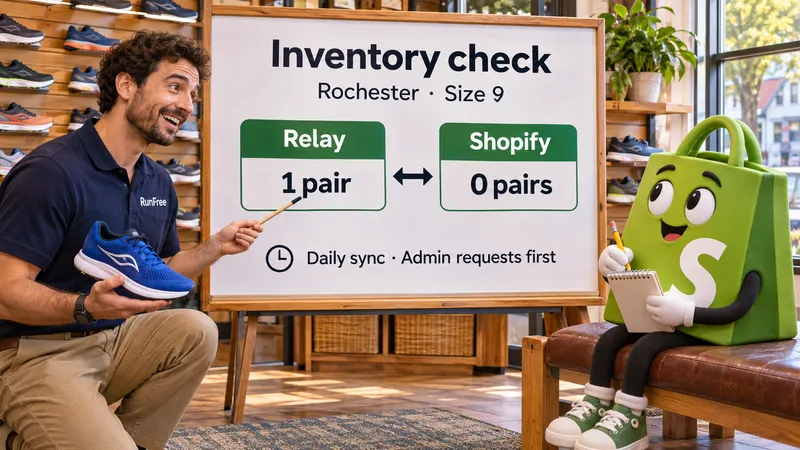
If you use Shopify, a new one-click inventory check compares Shopify and Relay in both directions, location by location. If one system shows a size 9 that the other is missing, you can spot the discrepancy and investigate. Running the check leaves the stock counts in both systems untouched.
Shopify syncs now run daily, give priority to updates requested from the admin, and resume after temporary Shopify outages or delays. They also handle merged and deleted products and more types of product options. If a store’s sync falls behind, clearer Slack alerts help your team see what needs attention.
For stores using other POS systems, Lightspeed product types now carry over to Run Free, and we’ve updated the Springboard product sync.
Vendors can now manage their Relay Endless Aisle offering
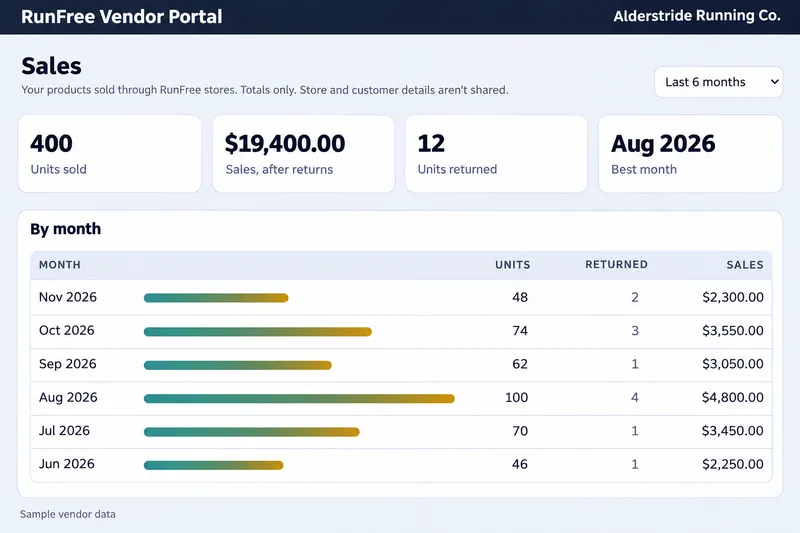
Vendors can now sign up for the Run Free vendor portal, see which products they offer through Relay Endless Aisle, and update their offering as their assortment changes. For retailers, that means vendors can keep the selection available to your shoppers current without your staff having to coordinate every catalog change.
Help online shoppers find the right shoe with Inlitenr
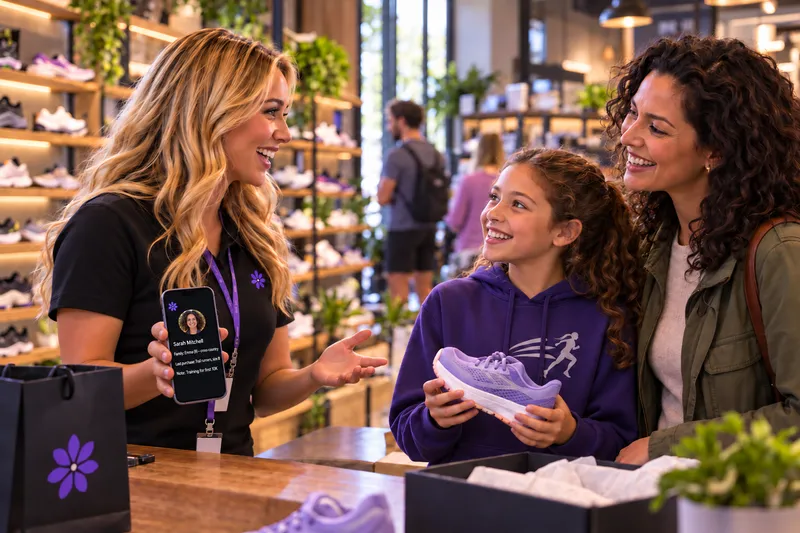
Run Free now connects with Inlitenr to bring the kind of help runners get in your store to your website. When a shopper asks, “Do you have the Clifton in a size 9?” your on-site chat can use your Run Free catalog and each location’s inventory to recommend an available option. The shopper sees a product photo and can click straight through to the shoe. If they select “Not interested,” Inlitenr saves that preference for the next conversation.
The integration also helps runners find you through search. As your catalog changes, you can automatically update SEO titles and descriptions so they reflect the brands and models you carry. A runner searching Google for a particular shoe gets a clearer sense of what’s on your product page before they click, and your staff spends less time rewriting listings.
For stores paying to reach runners on Facebook or Instagram, Inlitenr helps answer a harder question: Did that ad bring someone into the store? When campaign activity can be linked to a store visit or an in-store purchase, you can compare the sales attributed to a campaign with what you spent on it. That gives you a better basis for deciding which ads to run again, even when the sale happens at the register days after the click.
Make gift cards easier to redeem and refund
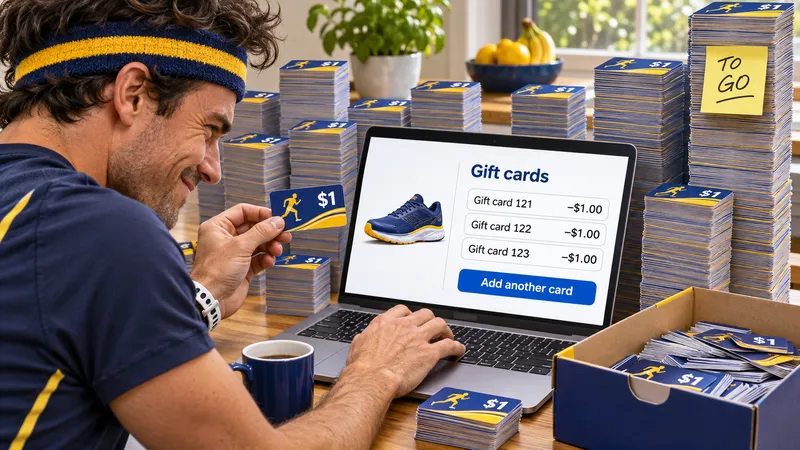
A shopper who receives two gift cards can now use both toward the same online order. The cart shows each card separately, and every redemption appears on the order so staff can see how the customer paid. For stores using Lightspeed X, staff can also refund a gift card payment back to the card.
When a payment encounters an error, the order is marked Payment Pending so your team can find it and follow up. We’ve also expanded fraud screening at checkout, including for stores using Fullsteam Payments.
Keep runners connected between visits

You can now set expiration dates on loyalty rewards, send a push notification to your store’s app users, and keep events visible across locations in the app feed. If you’re hosting a group run at one shop, runners who usually visit another location can still discover it. New members also review and accept your store’s privacy policy and terms when they sign up.
Connect delivery, scheduling, and customer chat
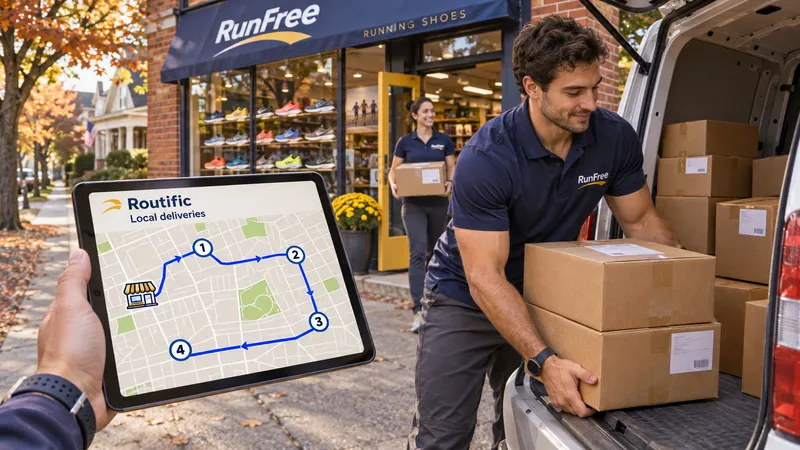
If you offer local delivery, you can send orders to Routific to plan a route starting at your store. For stores with custom apps or fulfillment partners, Run Free can now share shipment details, customer updates, and loyalty activity, and notify connected systems when fulfillment changes. You control access and can revoke an integration’s token when you stop using it.
Universal Schedules is now available in the Integrations catalog for stores that want to connect appointment booking and staff scheduling.
Inlitenr adds on-site customer chat with product recommendations informed by your catalog and each location’s stock. Shoppers can open a recommended product directly from the conversation, and their feedback is saved if they select “Not interested.”
Run Free Checkout
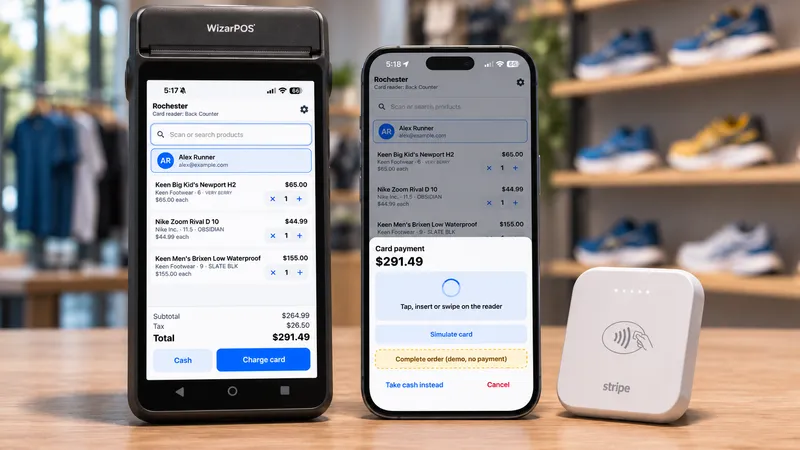
An in-store register app for iPhone and WizarPOS terminals. With Run Free Checkout, staff will sign in with their Run Free account, look up products by name, brand, or SKU, and take cash or card payments. Stripe Terminal support will include the S700 and S710 smart readers and the pocket-sized Bluetooth M2.
For your team, the biggest benefit is what happens after the sale. An in-store purchase will follow the same order process as a web purchase and flow automatically to your connected POS, so staff won’t have to enter the sale a second time...
...and you know what this really means?....
In Store Relay Checkout!!